
Best Photo Editing Software for Travel Photographers in 2026
About the Author: Susan & Doug

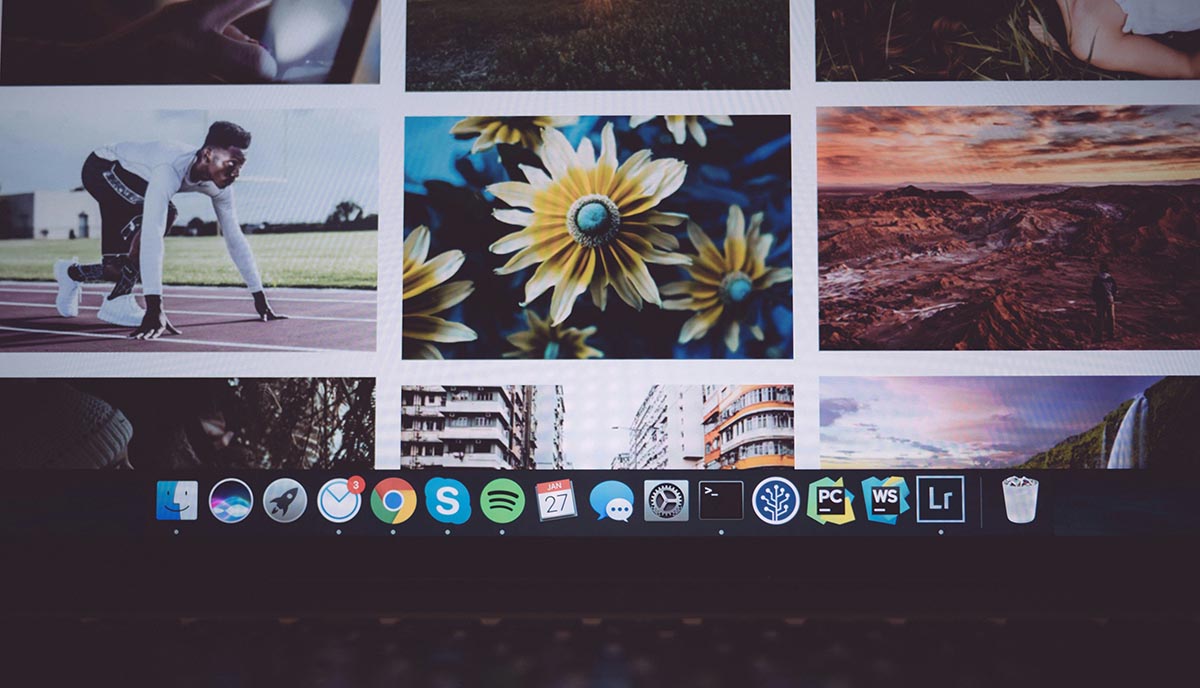
From dusty desert roads to rain-soaked cobblestone alleys, we capture moments that demand software worthy of the journey. Choosing the wrong editing tool costs us time, quality, and creative control we can’t afford to lose. In 2026, the options are sharper than ever, but so are the tradeoffs. We’ve tested what actually works in the field, and what we found might change how you approach your entire post-processing workflow.
What Do Travel Photographers Actually Need From Editing Software?
Because travel photography demands versatility across wildly different shooting conditions, our editing software needs to handle far more than basic exposure corrections. We’re shooting deserts, coastlines, and mountain ranges — often in a single trip — so compatibility with RAW files and high-resolution images isn’t optional; it’s foundational.
We need robust RAW processing that preserves every detail captured in challenging light. Advanced masking and local adjustments let’s selectively refine skies, water, and foliage without affecting entire frames.
For high-volume shoots, batch processing and smart organization features save hours of tedious manual sorting.
Landscape editing tools must enhance color vibrancy and outdoor lighting convincingly.
When we’re mid-trip, mobile editing and cloud synchronization keep our workflow uninterrupted, ensuring edits sync instantly and our archives stay backed up — regardless of where we’re shooting.
Best Photo Editing Software for Travel Photographers in 2026
Whether you’re processing RAW files from a desert sunrise or syncing edits between devices mid-trip, the software you choose defines your entire workflow.
We’ve evaluated the top professional editing tools available to travel photographers in 2026, and each earns its place for distinct reasons.
Adobe Lightroom leads with unmatched RAW processing, cloud sync, and batch editing efficiency.
Skylum Luminar Neo delivers AI photo editing through intelligent scene enhancement and sky replacement.
Capture One Pro excels in precise color grading for demanding professional shoots.
Polarr handles mobile editing with customizable LUTs and cross-platform flexibility.
RawTherapee rounds out our list as a powerful, free RAW processing solution built for varied lighting environments.
Together, these photo editing software options cover every workflow demand travel photographers realistically face.
Best Software for Landscape, Street, and Adventure Travel Photography
Each editing platform handles the distinct demands of landscape, street, and adventure photography differently, and matching software to genre sharpens both efficiency and output quality.
For landscape photography, we recommend Capture One’s superior RAW processing, precise color grading, and tethered shooting.
RawTherapee’s microcontrast controls deliver exceptional detail for adventure images without a subscription.
Lightroom’s local adjustments and AI sky replacement strengthen both landscape and street workflows.
Luminar Neo’s scene enhancement tools let’s transform outdoor compositions rapidly.
When we’re shooting on the road, Polarr’s mobile editing capabilities handle quick corrections across devices without sacrificing quality.
Each tool occupies a distinct technical niche—pairing the right software to your specific travel genre eliminates unnecessary steps and consistently elevates the final image.
Which Travel Photography Editing Software Works Best on Mobile?
Mobile editing has become indispensable for travel photographers who need to process and share images without carrying a laptop, and the right app determines how much creative control we retain on the road.
For smartphone editing, Snapseed leads with its user-friendly interface, curves, and selective adjustments—completely free.
VSCO suits photographers who prefer film-inspired versatile filters with minimal friction.
Adobe Lightroom Mobile is our strongest recommendation for serious work: it delivers RAW support, AI-powered editing including object removal, and seamless cloud sync with desktop workflows.
Polarr extends photo enhancement capabilities through LUTs and selective masking across multiple platforms.
Apple Photos serves casual shooters within the iOS ecosystem.
Among these photo editing apps, Lightroom Mobile consistently offers the most professional-grade mobile photo editing without compromise.
How Much Should Travel Photographers Spend on Editing Software?
Budgeting for editing software doesn’t require overspending, but it does demand honest self-assessment of your workflow needs. Most travel photographers spend between $50 and $200 annually, depending on whether subscription plans or one-time purchases better suit their budget.
Affordable editing tools like Luminar Neo or Photomator run $35–$48 per year, delivering solid workflow capabilities without draining your finances.
Professional-grade options like Capture One or Adobe Lightroom cost $120–$216 annually, justified only when advanced features directly improve your output.
Free photo editors like RawTherapee or GIMP eliminate software cost entirely but demand steeper learning curves and offer less automation.
We recommend balancing both approaches—combining free photo editors with one targeted subscription keeps annual spending around $50–$100, maximizing efficiency without compromising photo editing software quality.
Frequently Asked Questions
What Photo Editing Software Do Most Photographers Use?
We’ve found most photographers rely on Adobe Lightroom for exposure adjustment, color grading, lens correction, and noise reduction. We also recommend Photoshop for portrait retouching, HDR processing, panorama stitching, cropping techniques, photo filters, and watermarking tools.
What Is the Photography Style in 2026?
We’re embracing vibrant, documentary-style travel photography using drone photography, AI enhancement, color grading, neural processing, and personalized presets. Style transfer, augmented reality, virtual editing, and 3D effects create authentically stunning, culturally immersive imagery with minimal heavy post-processing.
What Is the 20-60-20 Rule in Photography?
We use the 20-60-20 rule as a framing strategy dividing images into 20% subject, 60% background, and 20% negative space, guiding our composition techniques, cropping methods, and contrast enhancement for visually balanced, impactful travel photography.
How to Make Money as a Photographer in 2026?
We’ll paint your path to prosperity through travel niches, monetization strategies, licensing tips, print sales, and social media branding. Leverage workshop opportunities, affiliate marketing, online portfolios, travel vlogging, and client acquisition to transform your creative vision into sustainable income.
Conclusion
We’ve covered the landscape, and the verdict is clear: no single software suits every travel photographer. Your workflow, budget, and shooting style determine what’s best. Adobe Lightroom dominates high-volume RAW processing, Capture One wins on color precision, and Luminar Neo delivers creative flexibility. Don’t chase the most expensive option—chase the most efficient one. The right software doesn’t just edit your images; it accelerates your entire creative process.
Before You Buy
Software prices change frequently — we recommend checking current pricing before purchasing. Find all options mentioned in this article on Amazon and Adorama.
Keep Reading:
Best Laptops for Editing Travel Photos on the Road →
How to Edit Travel Photos in Lightroom From Start to Finish →
Our Full Travel Photography Gear Guide →
Get the Free Europe Photography Packing Checklist
Everything we pack for a 2-week photography trip across Europe — free when you subscribe.
No spam, ever. Unsubscribe anytime.